← Back to Home
Core Capability
Scene & Map View
Define geographic bounds, switch basemaps, and visualize the simulation region in a unified map canvas.
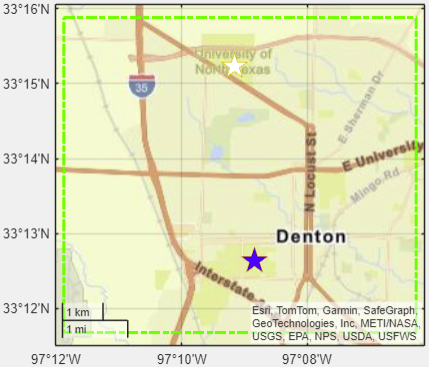
Target Region
Basemap Layers
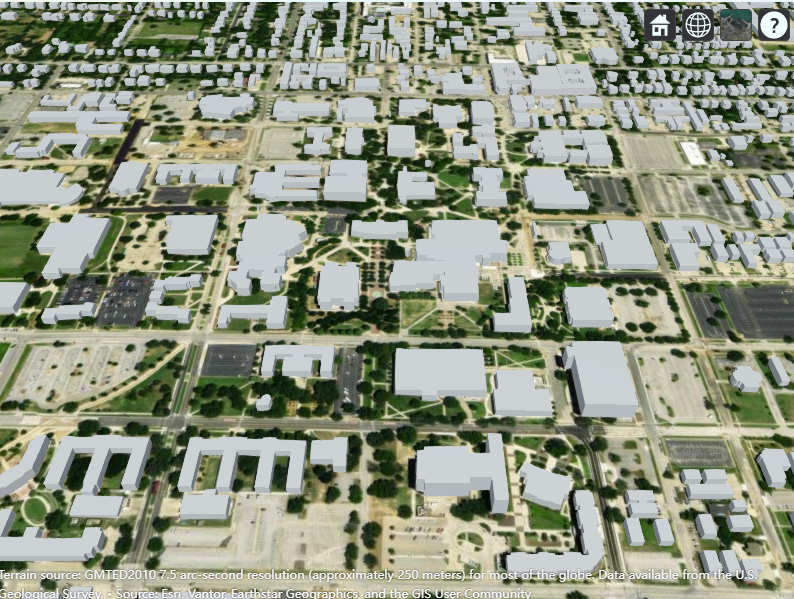
Site Viewer
What This Module Does
Establish the study area using latitude/longitude bounds, reset transmitter/receiver lists, and reframe the scene for accurate coverage and trajectory analysis.
- Set north-east and south-west bounds for the target region.
- Reset current site selections to match the new region.
- Switch basemap layers for different visual contexts.
- Preview 2D and 3D views before running simulations.
Key Inputs & Outputs
- Inputs: NE/SW latitude and longitude, basemap selection.
- Outputs: Framed map view, updated basemap, cleared site lists for fresh runs.
- Related UI: Base map dropdown, Plot Target Region button.
This step initializes the environment for downstream antenna, coverage, and trajectory modules.
Visual References
Next step: Configure antenna patterns or deploy sites inside the region.
Browse all capabilities